Free 3D Rendering Software in 2026: 8 Tools Compared
Compare free 3D rendering software for architects and designers: commercial-use limits, plugin support, scene setup effort, and which tool fits your workflow.
It's Wednesday, the client review is Friday, and you need a client-ready exterior render from a model that's still mostly white massing and placeholder materials. There's no budget for a new annual license, no time to learn a full production pipeline, and no spare workstation to tie up overnight. So you search for free 3D rendering software and find eight credible options that look interchangeable until you read the license terms.
They aren't interchangeable. Some are free for commercial work without an expiry date, some are free only for personal or classroom use, and some are trials that stop mid-project. Others cost nothing to download but demand hours of material, lighting, and asset setup before the first usable image appears. That trade-off, where the free license ends and your own labor begins, is what decides whether a tool helps on Friday or creates a new problem.
The eight tools below cover AI image-based rendering, open-source production suites, real-time architectural visualizers, modelers with limited rendering, and a dedicated physically based engine. I sort them by license boundary first, then by scene preparation and fit with the modeling tool you already use. If you're comparing two finalists, test them the way you'd run any short evaluation, following KeenVerdict's guide to software trials, and use one real project view rather than a sample scene.
1. mnml.ai
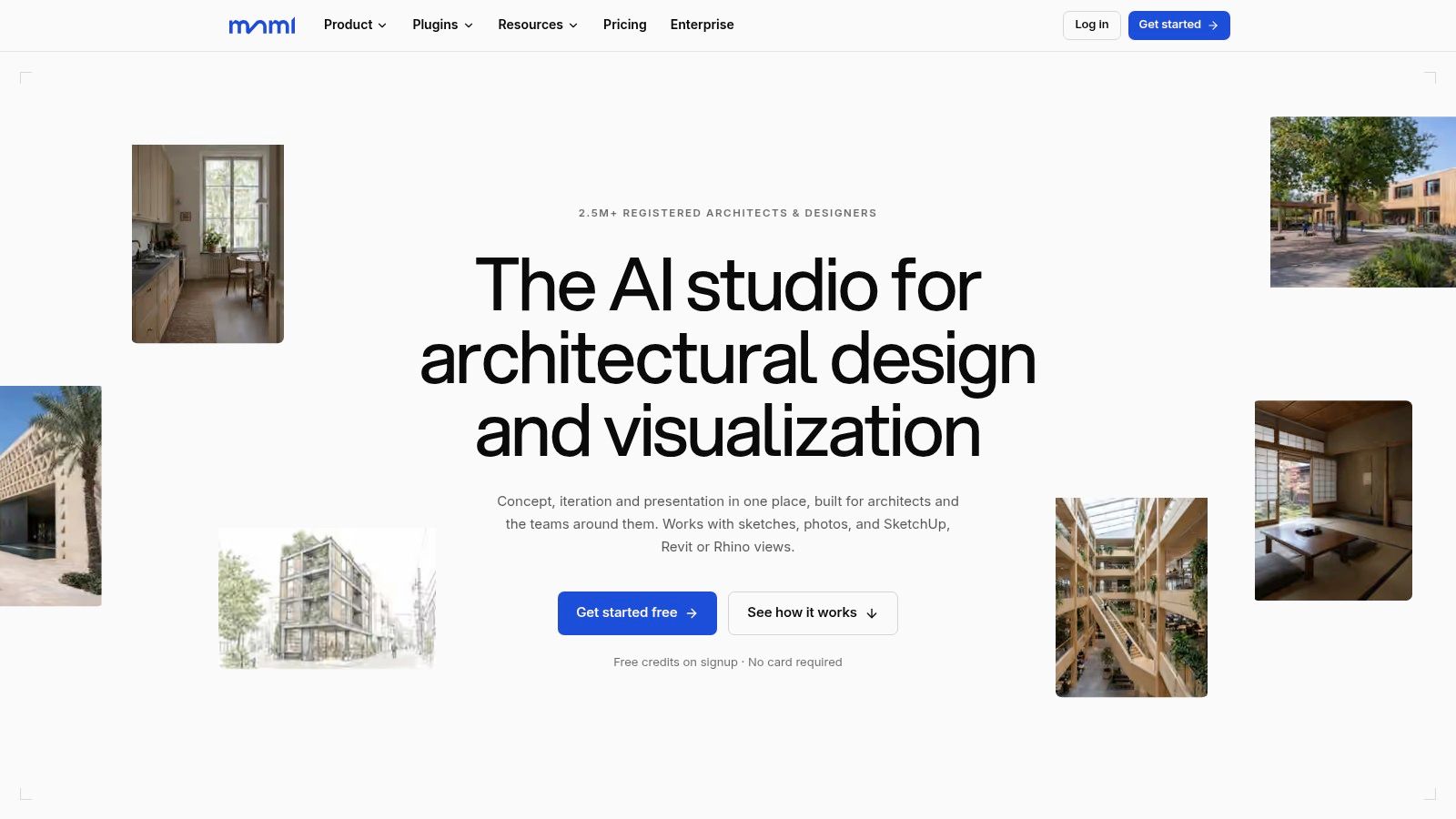
mnml.ai is the one entry on this list where "free" is measured in credits rather than in license restrictions or your own labor. It's an AI visualization studio for architects and design teams that turns sketches, photos, and exported model views into presentation images. You upload the view, say what it shows and how it should read, and the platform handles what a conventional pipeline would bill you hours for: no material assignment, no light placement, no render engine configuration. A model built in SketchUp, Revit, Blender, Rhino, or 3ds Max exports as an image and renders with the modelled geometry kept.
Where the Setup Work Disappears
The Studio workspace guides exterior, interior, masterplan, plan, and product renders. You set lighting, season, materials, and camera direction, and reference images take separate roles such as style, material, atmosphere, color, or geometry. That separation matters in practice, because a reference meant to control brick tone shouldn't also reshape your roofline. Masked editing changes a selected region while the rest of the frame holds.
The utilities pull double duty. Render Enhancer and the 8K Upscaler sharpen, regrade, and enlarge a finished render from V-Ray, Corona, Lumion, Enscape, or D5 to print resolution without re-rendering, so the platform stays useful even when the original image came out of a conventional engine. Object removal, frame extension, style transfer, and short animations round out the set.
What the Free Tier Actually Buys
The plugins for SketchUp, Revit, Rhino, and Grasshopper are free to install. The SketchUp extension works with SketchUp 2026 on Windows and Mac and renders the view you're looking at without exporting it. The Rhino 8 panel sits docked in Rhino, where you pick a view, an Expert, and a style. Grasshopper renders up to eight design options in one batch, and re-solving the definition never spends credits. Revit 2024 through 2027 is supported, and an MCP connector enables rendering through compatible AI assistants.
New accounts get free credits without a payment card, and every render shows its cost on the button before anything is spent. The v4.5 Fast engine costs 10 credits per 2K render, the v4.6 preview engine costs 25 credits with masked edits and reference images, and the v2.0 Flash video engine costs 10 credits per second for 10 or 15 second clips at 768p with ambient sound. When the free credits run out, the Lite plan runs $29 per month billed monthly for 1,000 credits.
How Reviews Stay Organized
Flow is an infinite canvas where outputs sit beside their source images, up to four variations run at once, and promising options branch instead of overwriting earlier work. Studio and Flow share projects, the image library, and credits, so refinement and comparison stay in one account. Prompts and sources remain attached to each image, and deleted renders recover from the trash for 30 days.
- Team controls: Shared projects, pooled credits, role permissions, and per-member spending caps keep usage visible.
- Privacy terms: Projects are private by default, and uploads, prompts, and generated renders are not used to train AI models.
- License boundary: Every plan includes all 12+ AI tools, 8K upscaling, PNG and DXF export, and a commercial license, with renders exportable as PNG, a project zip, DXF or DWG, or a clip.
The honest limits are structural. Credits mean heavy iteration is never unlimited free rendering, plugin support is version and platform specific, and AI output still needs your review when exact geometry, signage, or material joints must match design intent.
For readers comparing image-generation options more broadly, the free AI image picks from Rankozo give useful context beyond architecture-specific tools. I recommend this route when your bottleneck is scene preparation time rather than modeling skill, and when a credits-based test on a real project view answers the question faster than a trial license would.
2. Blender
Blender is the benchmark against which every claim about free rendering should be measured. According to the Blender manual's history page, it was released under the GNU General Public License on October 13, 2002, after the Free Blender campaign sought €100,000 to acquire the source code and intellectual property rights. That's why there's no trial expiry and no commercial-use fee for the official software today.
You get two renderers in one application. Cycles is a physically based path tracer for final stills and animations where light behavior matters. Eevee is a real-time renderer that's far better for look development, quick walkthroughs, and checking whether a scene reads before you commit to a long Cycles render.
What You Pay in Time Instead of Money
Modeling, texturing, lighting, animation, and compositing all live in the same environment, supported by a Python API and a broad extensions ecosystem across Windows, macOS, and Linux. That integration is powerful, but nothing is pre-staged for you. You build or import assets, author materials, light the scene, manage render settings, and troubleshoot noise or memory limits yourself.
Practical rule: Budget the scene build, not just the render. A free engine that needs a day of material and lighting work isn't faster than a paid tool you can use this afternoon.
Performance depends heavily on your hardware and scene complexity, so test with your heaviest typical view and calculate render time before promising a deadline. The interface also overwhelms newcomers who only wanted one exterior image. I recommend Blender when you want a permanent, commercially safe capability and you're willing to learn it properly. It's the strongest long-term free option, and the weakest choice for a same-week deliverable if you've never opened it.
3. D5 Render Community
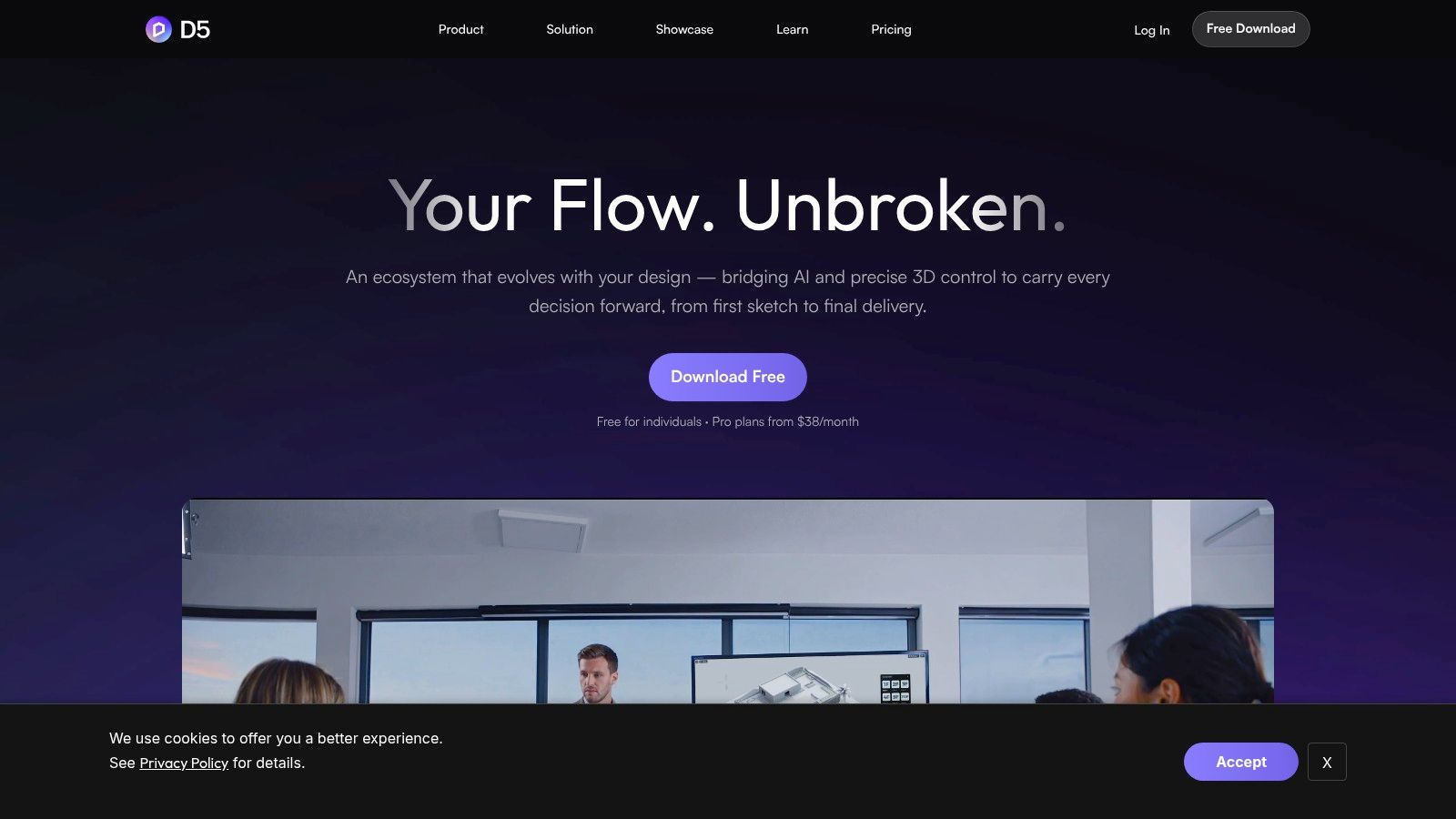
Say you want a polished dusk exterior with planted beds, moving clouds, and a short camera move, and you don't want to build every tree and light fixture yourself. That's the scenario D5 Render is built for. It's a real-time visualization tool focused on architecture, so the environment controls, landscaping tools, and scene assembly are aimed at buildings and sites rather than general 3D production.
The free Community plan covers image, panorama, and video rendering, plus phasing animation templates that help explain construction or design stages. LiveSync integrations with supported modeling software reduce the export and reimport cycle when the model changes, which is where real-time tools earn their keep during design development.
- Stills and panoramas: Useful for design reviews where a client needs to look around a space, not just at it.
- Video output: Short fly-throughs come from the same scene instead of a separate animation pipeline.
- Landscaping and environment controls: Vegetation, sky, and weather settings do much of the context work for you.
- LiveSync: Model changes carry across without rebuilding the visualization scene from scratch.
Now the boundary that decides everything. The Community plan is restricted to personal, non-commercial use. You can't use it as a free renderer for client deliverables, competition boards submitted by a practice, or marketing imagery for a paid project. Some content, AI features, and collaboration capabilities also sit behind paid plans, and you should confirm hardware and software compatibility before committing a project to it.
That makes D5 Community a strong learning and portfolio tool, and a sensible way to evaluate the workflow before buying. It is not a free solution for Friday's client render. Rule it in for personal work, rule it out the moment a fee is attached to the project.
4. Twinmotion
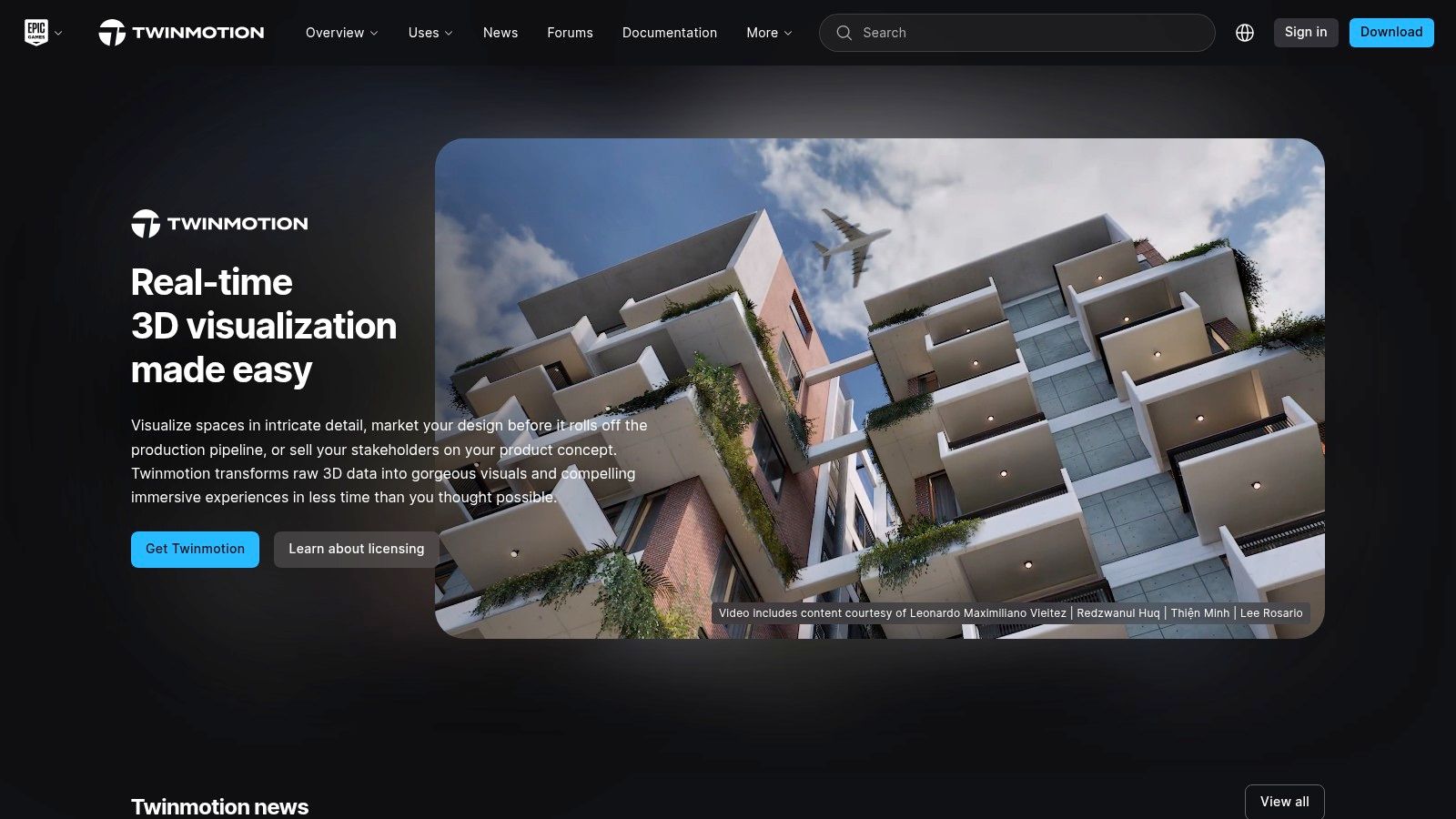
Twinmotion sits in a more useful middle ground for small practices because its free tier can, for some of them, cover real work. It's free for students, educators, and hobbyists, and for individuals or companies below the stated US$1 million annual gross revenue threshold. Check your eligibility against the current licensing terms before a project starts, not after the images are already in a client deck.
The tool turns models from CAD, BIM, and 3D applications into presentation media through import and direct synchronization with supported applications. Built-in assets and scene assembly tools mean you're dressing a scene rather than constructing every element, which is a genuine time saving over a general-purpose suite for site context, planting, people, and vehicles.
Output Range and Rendering Modes
You can produce still images, videos, panoramas, 360-degree VR video, and interactive presentations from one scene. That range matters when the same project needs a board image on Friday and a walkable model for a stakeholder meeting the following week. If you're unsure which output type your deliverable requires, clarifying what photo rendering involves helps you avoid building an interactive scene when two stills would do.
For image quality, Lumen handles real-time global illumination while the Path Tracer is there when you need more accurate light and reflections in final stills. The trade-off is predictable. Path-traced output and large planted scenes demand capable hardware, and installation runs through the Epic Games Launcher, which some managed IT environments won't welcome.
I rate Twinmotion as the most practical conventional free option for a qualifying small studio. The revenue threshold is the whole story, though. Cross it, and you're buying a license, so confirm where your practice stands before building a template library inside it.
5. SketchUp Free
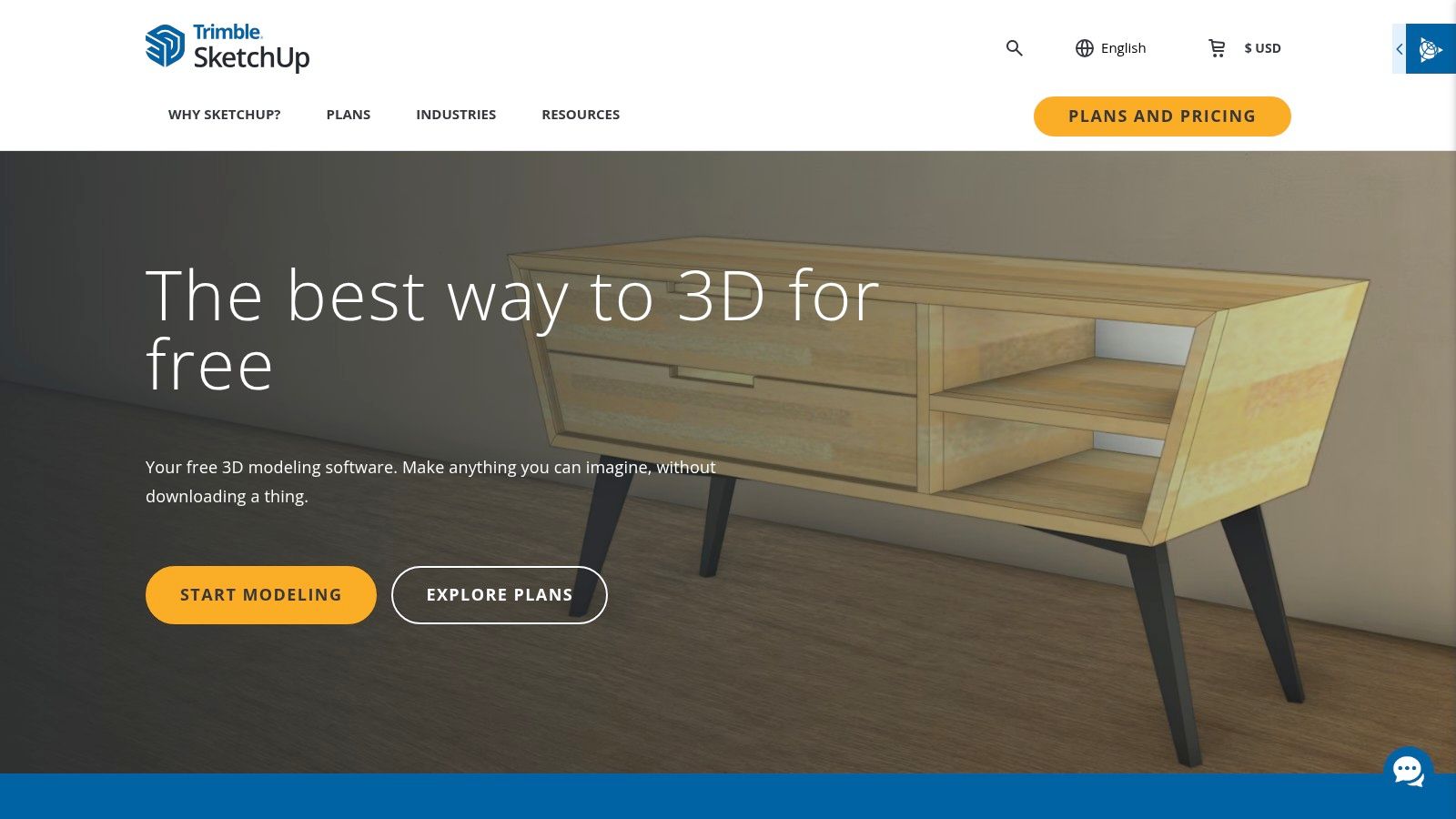
SketchUp Free appears in almost every free rendering roundup, and that listing is misleading. It's a browser-based 3D modeler for creating and sharing simple design models. It is not a photorealistic renderer, and treating it as one is how people end up presenting flat shaded exports they can't improve without another tool.
What it does well is early design exploration with no desktop installation. Trimble Connect provides cloud storage and project sharing, and access to the 3D Warehouse helps you populate a scene with existing models instead of modeling furniture, fixtures, or context buildings yourself. For a student testing massing options on a borrowed laptop, that accessibility is the point.
File Limits and the Commercial Boundary
File exchange is deliberately narrow. The free plan imports SKP, JPG, and PNG files and exports SKP, PNG, and STL, which is enough for basic modeling and simple image output but restrictive if your workflow depends on broader interchange formats. If you're modeling site elements here before rendering elsewhere, a guide to 3D landscape design software options can help you plan where the terrain and planting work should happen.
Two limits close the argument for professional use. The free plan is not for commercial use, and it's a pared-down version with fewer features than paid desktop plans. So a PNG exported from it can't legally anchor a client's marketing board, and even if it could, you still wouldn't have credible materials, lighting, or atmosphere.
Use it to model quickly and share early concepts where the license allows. Then render somewhere else. As a free entry point into 3D it's useful, but in a rendering comparison it belongs in the modeling column, and you should budget for a separate visualization step from the start.
6. FreeCAD
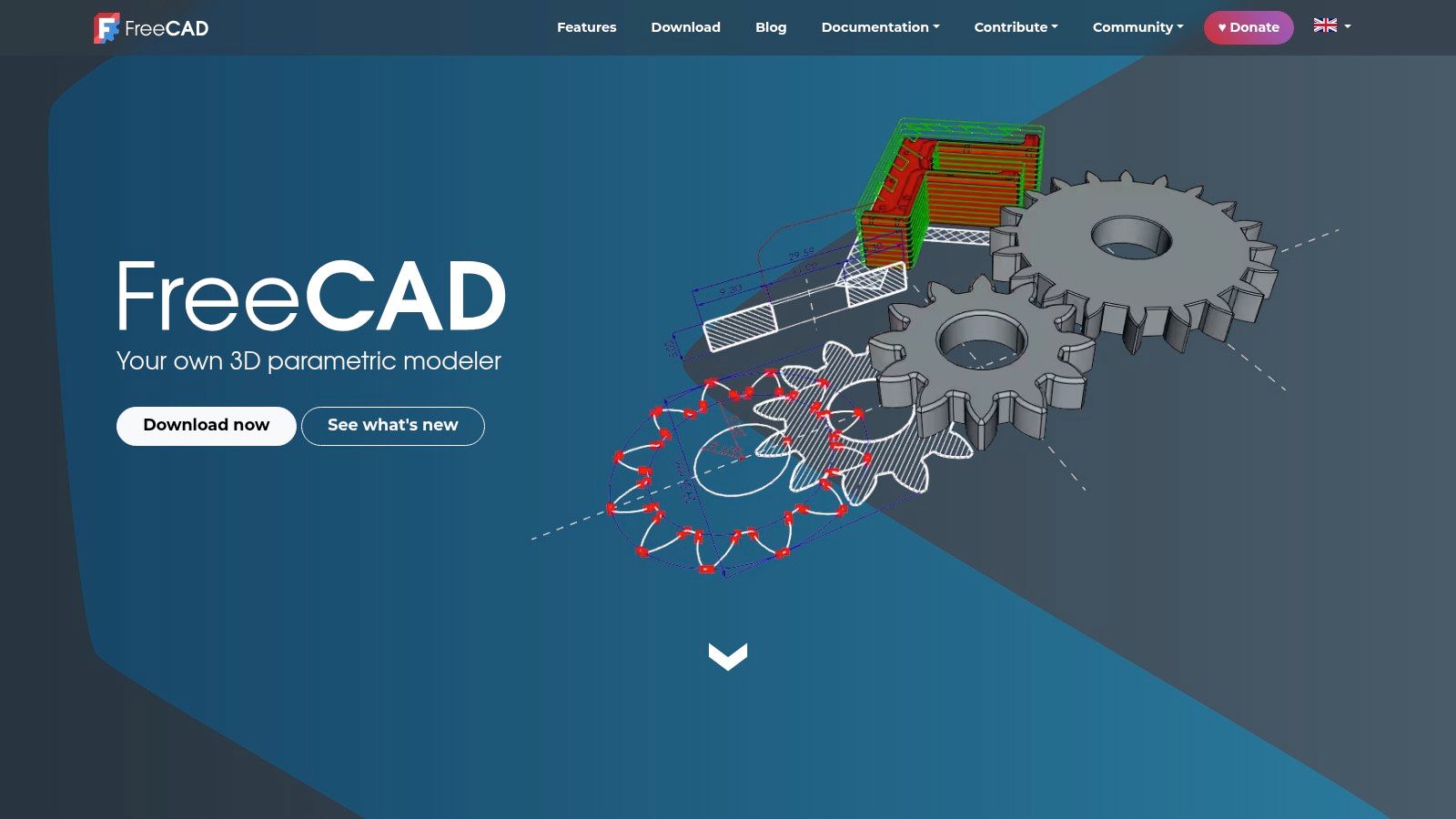
FreeCAD answers a different question from the other tools here. If your priority is precise, dimension-driven geometry that stays editable when a client changes a bay width or a stair going, its parametric modeling is the reason to install it. Rendering is secondary, and you should choose it with that expectation set.
It's free and open source with no subscription, available across major desktop platforms, and built around an extensible workbench system. You model with an editable design history, so changing a parameter updates dependent geometry instead of forcing a remodel. For technical design, fabrication components, and measured building elements, that discipline is worth more than a prettier viewport.
A parametric modeler earns its place by surviving revisions. Judge it on how cleanly geometry updates, not on how the default shaded view looks in a screenshot.
Visualization requires extra assembly. The Raytracing Workbench connects with external renderers such as POV-Ray and LuxCoreRender, so producing a presentable image means installing, configuring, and learning a second tool, then managing the handoff between them. Materials, lighting, and camera work happen on the rendering side, not inside a turnkey presentation workflow.
The interface and workflows also feel less polished than specialist commercial applications, which slows down users who only wanted a quick visual. That's an acceptable trade for engineers, makers, and architects doing precise component work who occasionally need an image. It isn't acceptable if photorealistic architectural presentation is the deliverable.
I recommend FreeCAD when the model itself is the product and rendering is an occasional by-product. Pair it with a dedicated engine, accept the setup cost once, and document your export settings so the next image doesn't require rediscovering them under deadline pressure.
7. LuxCoreRender
LuxCoreRender is for the reader who already has a modeling workflow and wants a dedicated physically based rendering engine rather than another all-in-one suite. It's free and open source, and it's stated as free for personal and commercial use under its license, which puts it in the small group of tools here with no commercial boundary to negotiate.
You reach it in two ways. The BlendLuxCore extension brings it inside Blender, which is the most practical route if your scenes already live there and you want an alternative to the built-in renderers. Standalone and command-line rendering options suit users who render prepared scenes in batches or prefer a scripted, repeatable output process on Windows, macOS, or Linux.
- Physically based rendering: Light and material behavior are the focus, not scene assembly or asset libraries.
- Blender integration: Existing Blender users can test it without abandoning their models or learning a new modeler.
- Standalone and command-line use: Prepared scenes can be rendered outside an interactive session, which suits repeatable production tasks.
- Cross-platform availability: Windows, macOS, and Linux are all supported.
The costs are the usual ones for a specialist engine. Modeling and scene creation happen elsewhere, so on its own it produces nothing. Installation and configuration are less straightforward than an integrated renderer, and when something breaks you're diagnosing the seam between host application and engine rather than opening one settings panel.
Its ecosystem and learning resources are also smaller than Blender's or a major commercial product's, so you'll solve more problems from documentation than from abundant tutorials. That trade suits technically confident users who value a physically based engine and an unrestricted license over convenience. If you're new to rendering, start with an integrated tool and come back to LuxCoreRender when you know exactly why you want a separate engine.
8. Lumion Pro
Lumion Pro offers a 14-day Pro trial and a free student license that eligible students can renew yearly while they remain eligible. The trial is an evaluation route and the student license is an education route; continued commercial use requires a paid license once the trial ends.
Inside that window, the workflow is purpose-built for architectural visualization. Lumion produces still images, animations, and 360 panoramas from imported models across residential, commercial, interior, outdoor, and urban projects. LiveSync connections to supported modeling software reduce repeated exporting while a design is still changing, so the setup advantage is the direct path from model revisions to presentation output.
The trial includes Pro features with a reduced content library. Use it to judge scene assembly speed, LiveSync convenience, and output quality. Judge the production asset range separately because the evaluation library contains fewer assets than the full version.
The Two Barriers After the Trial
The first barrier is time. Fourteen days is enough for a controlled test, yet a client project can easily outlast the trial or require revisions after access ends. Starting billable work without a plan to buy risks rebuilding the scene in another renderer.
The second barrier is hardware. Lumion requires Windows and a capable graphics card, and the vendor says it is not officially supported on Mac. Check machine compatibility before activating the trial so the evaluation period is spent rendering, not troubleshooting an unsupported setup.
I would test it with one real project: produce an exterior still, make a short animation, and track the time spent importing, revising, and preparing the scene. Eligible students should use the student license to learn the workflow properly. For client deliverables, Lumion is a paid visualization tool with a short evaluation period.
How the free 3D rendering options differ on access, commercial use, and setup effort
The word "free" hides two separate costs: what the license permits you to ship, and how much scene preparation each tool demands before the first image comes out. The table sorts all eight options on both.
| Item | Free Access | Commercial Use | Best For | Scene Setup Effort |
|---|---|---|---|---|
| mnml.ai | Free signup credits; no card required | Included on every plan | AI architectural visualization and rapid iterations | Low; uses existing sketches, photos, or model views |
| Blender | Free and open source | Allowed | Flexible 3D modeling, rendering, and animation | High; prepare assets, materials, and lighting |
| D5 Render Community | Free Community plan | Not allowed on free plan | Architectural stills, panoramas, and videos for personal use | Moderate; real-time tools and environment controls help |
| Twinmotion | Free for eligible users and organizations | Free only for qualifying users; others may need a paid license | Architectural presentations across image, video, and VR formats | Moderate; built-in assets and scene tools help |
| SketchUp Free | Free browser-based plan | Not allowed on free plan | Basic modeling and early design exploration | Low for simple models; not a dedicated renderer |
| FreeCAD | Free and open source | Allowed | Precise, editable parametric models | High for rendering; external renderer setup is needed |
| LuxCoreRender | Free and open source | Allowed under its stated license | Physically based rendering with compatible tools | High; scenes must be prepared in another application |
| Lumion Pro | 14-day Pro trial; student license available to eligible students | Ongoing use requires a paid license | Architectural stills, animations, and panoramas | Moderate; LiveSync can simplify model updates |
Because mnml.ai includes a commercial license on every plan, its free credits can be evaluated against a real client deliverable rather than a personal experiment.
Matching the Free Tool to Your Deliverable
Start with the license, because it is the one criterion that can invalidate finished work. Blender, FreeCAD, and LuxCoreRender are open source with no commercial-use fee for the software itself, so they are safe foundations for client deliverables and long-lived asset libraries. The Blender 4.5 release page lists support for the 4.5 LTS series through July 2027, which gives a studio a defined maintenance window for pinning one version across a multi-year project.
Next, separate the tools that are free only inside a fence. D5 Render Community and SketchUp Free exclude commercial use, Twinmotion's free access depends on your category and revenue, and Lumion Pro is a timed trial outside its student license. Those limits make them the wrong tools for a paid deliverable unless you meet the stated terms.
Confirm eligibility before the first scene is built, while switching still costs nothing.
Then estimate the scene preparation your deadline can absorb, because license price is a poor proxy for total cost. Blender and LuxCoreRender give you control with no license bill. You supply the assets, materials, lighting, and render management. Twinmotion and D5 supply scene content and environment tools, so you dress a model rather than build a world. AI image-based rendering removes most conventional setup by working from a view you already have; the trade is that you review the output against design intent instead of authoring every material yourself.
Decision test: Pick your hardest typical view, not your prettiest one. If a tool can't get that scene to a presentable image inside your deadline and license, it isn't your tool, whatever its feature list says.
Hardware deserves the same honesty. The Blender 4.5 developer release notes state that Linux NVIDIA users need driver version 550 or higher for the Vulkan Eevee backend, and that Intel Mac support is being phased out after that release. A free download your laptop cannot run well costs you hours instead of money. Check GPU, driver, and operating system against the current requirements, and keep a CPU or lower-settings fallback in mind for large scenes.
For a student portfolio, Blender builds transferable skill with no expiry, SketchUp Free gets models started anywhere, and a Lumion student license teaches a presentation workflow many practices use. Blender's 2024 official user survey, reported in a peer-reviewed study of Blender users, drew more than 7,000 participants, with more than half naming Blender their primary 3D editor, so the learning community you will lean on is large and active.
For personal visualization, D5 Community and Twinmotion give fast, attractive results without a long apprenticeship. For a client deliverable, narrow the field to tools whose terms clearly cover commercial work, then run one real view through each finalist and time the full path from model to exported image. Stylistic finish work, such as how you give artwork a three-dimensional finish, is worth exploring only after that license and workflow fit is settled.
The market context explains why these free tiers keep tightening. Market.us's visualization and 3D rendering software market report valued the global market at USD 4.8 billion in 2025, so vendors guard commercial seats while using free access to build future customers. Read every free offer in that light. The question that decides the shortlist is which tool lets you deliver this image, for this client or course, on this hardware, before Friday.
If scene setup is the part eating your deadline, render a SketchUp, Revit, Rhino, or Blender view you already have; free signup credits need no payment card, so a test costs you one upload. You can compare variations beside their sources, refine a single region, and upscale the image you choose instead of rebuilding materials and lighting in a new application. Start your first render at mnml.ai and judge it against the same real project view you would use for any other tool on this list.